
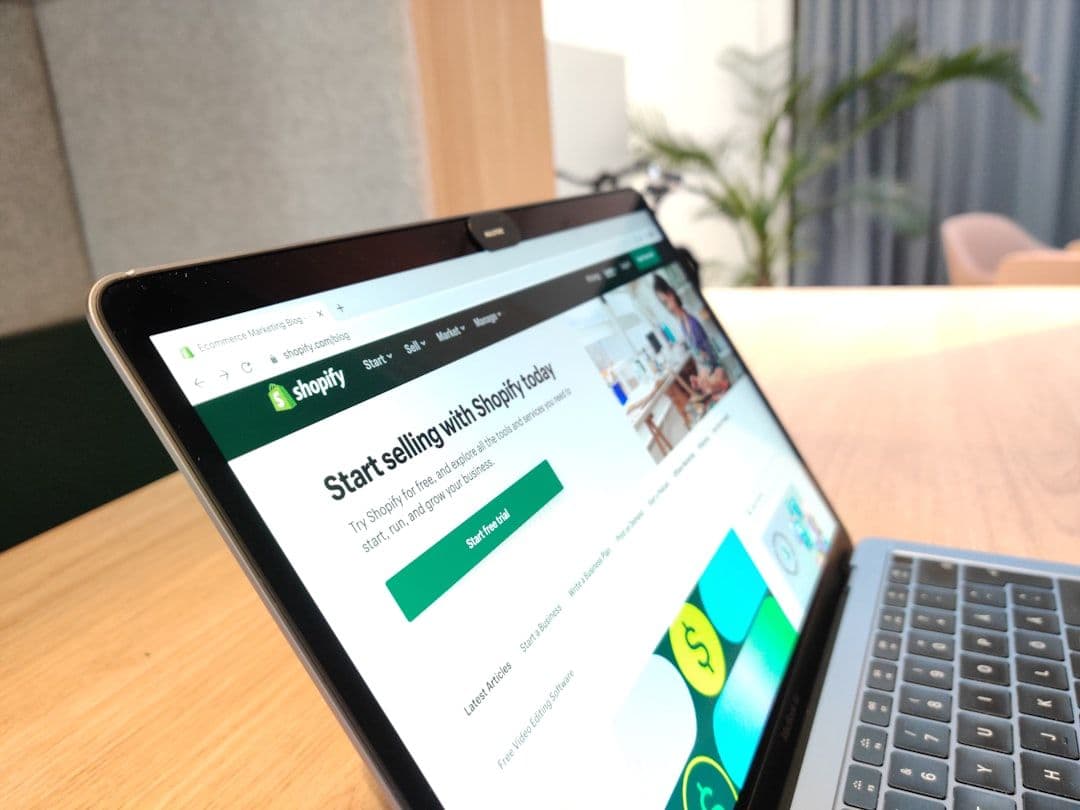
To improve Shopify product page SEO, optimise your title tags, meta descriptions, image alt text, and page speed, then layer in structured data and keyword-rich copy. These elements determine whether Google ranks your product pages or buries them.
What makes a Shopify product page title tag rank on Google?
Your title tag is one of the highest-impact on-page SEO elements. It should lead with the primary keyword, include a differentiator (like size, colour, or use case), and stay under 60 characters. Avoid keyword stuffing - Google rewards natural, specific titles over padded ones.
A strong format: "[Primary Keyword] - [Key Attribute] | [Brand Name]". For example: "Merino Wool Running Socks - Anti-Blister | Stride Co." This structure maps directly to how buyers search.
How should you write meta descriptions for Shopify product pages?
Meta descriptions don't directly influence rankings, but they control click-through rate - and CTR is a strong ranking signal. Write each meta description as a short sales pitch: lead with the product benefit, include the keyword, and end with a soft CTA like "Shop now" or "Free shipping over £50."
Use Google Search Console to identify pages with high impressions but low CTR - those are your highest-priority rewrites.
Why does image optimisation matter for Shopify SEO?
Product images affect both ranking and conversion. Google indexes image alt text as content, so every image on your product page should carry a descriptive, keyword-relevant alt tag - not "image1.jpg" or a blank field.
Page speed is equally critical. Uncompressed images are the leading cause of slow Shopify product pages. Use WebP format and compress images without losing quality. Google's Core Web Vitals score directly affects your product page rankings, and slower load times measurably reduce conversions.
If your product visuals need a full overhaul - or you want AI-generated lifestyle imagery without a photoshoot - explore ANIBOT's content production service.
How do you use structured data to boost Shopify product page visibility?
Structured data (schema markup) tells Google exactly what your page contains - price, availability, reviews, and ratings. When implemented correctly, it unlocks rich results in Google Search, including star ratings and price snippets directly in the search results.
Shopify's default theme includes basic product schema, but it often lacks review markup and stock status. Use the JSON-LD format and validate with Google's Rich Results Test tool.
What keyword strategy works best for Shopify product pages?
Target long-tail, transactional keywords - phrases with clear purchase intent. "Buy organic cotton tote bag UK" converts at a far higher rate than "tote bag." Use Google Search Console (or a paid tool if you have one) to identify the exact queries already driving impressions to your existing pages.
Place your primary keyword in the product title (H1), the first part of the product description, one image alt tag, and the URL slug. This is the minimum viable keyword framework for any Shopify product page.
For a full search visibility strategy beyond individual product pages, see ANIBOT's AI Visibility service.
How does internal linking improve Shopify product page SEO?
Internal links pass authority from high-traffic pages (like your homepage or blog) to your product pages. Every blog post you publish is an opportunity to link to a relevant product with keyword-rich anchor text.
A simple internal linking audit: identify your top blog posts by traffic in Google Search Console, find the most relevant product page for each, and add a contextual link. This alone can lift product page rankings over time with zero additional content creation.
Frequently Asked Questions
How long does it take to see results from Shopify product page SEO changes?
Most on-page SEO changes - title tags, meta descriptions, alt text - are recrawled by Google within a few weeks. Ranking improvements typically follow over the following couple of months, depending on domain authority and competition. Structured data and internal linking changes tend to show impact a bit faster.
Does Shopify's default SEO handle everything automatically?
No. Shopify auto-generates basic title tags and meta descriptions from your product titles, but they are rarely optimised. You need to manually write unique meta descriptions, customise title tags, add alt text to every image, and implement full JSON-LD schema. Default Shopify SEO is a starting point, not a complete strategy.
What is the fastest single change to improve a Shopify product page's ranking?
Rewriting the title tag to lead with a high-intent, long-tail keyword is the fastest high-impact change. It signals relevance to Google immediately and improves click-through rate at the same time. Pair it with a rewritten meta description for a compounding effect.
Should every Shopify product page have a unique description?
Yes. Duplicate product descriptions - especially if copied from a supplier - are flagged as thin or duplicate content by Google. Each page needs original, keyword-relevant copy that addresses the buyer's intent, key product benefits, and common objections. Unique copy is one of the strongest signals of page quality.
Ready to improve your Shopify store? Find out how AI Visibility can help and see exactly where you're leaving organic revenue on the table.
Free AI Visibility scan
Want to see where your store is leaving money behind?
Get a free AI Visibility scan and see exactly where you stand - takes 30 seconds, no commitment.
Get your free AI Visibility scan →